

A cash register only records a sale, holds cash, and prints a receipt. A POS system does all of that plus real-time inventory tracking, sales reporting, staff logins, and multi-location visibility. If you sell more than about 50 products, employ staff, or plan to grow, a POS system typically pays for itself within weeks. If you run a single-item cash-only stall with no plans to scale, a basic cash register is still a reasonable choice.
If you’re opening a new shop or upgrading your checkout setup, you’ll run into this question fast: modern POS system, or a traditional cash register? The right answer depends entirely on how your business actually operates not on which option feels more familiar. This guide breaks it down with real feature differences, real costs, and no sales pitch.
What Is a Cash Register?
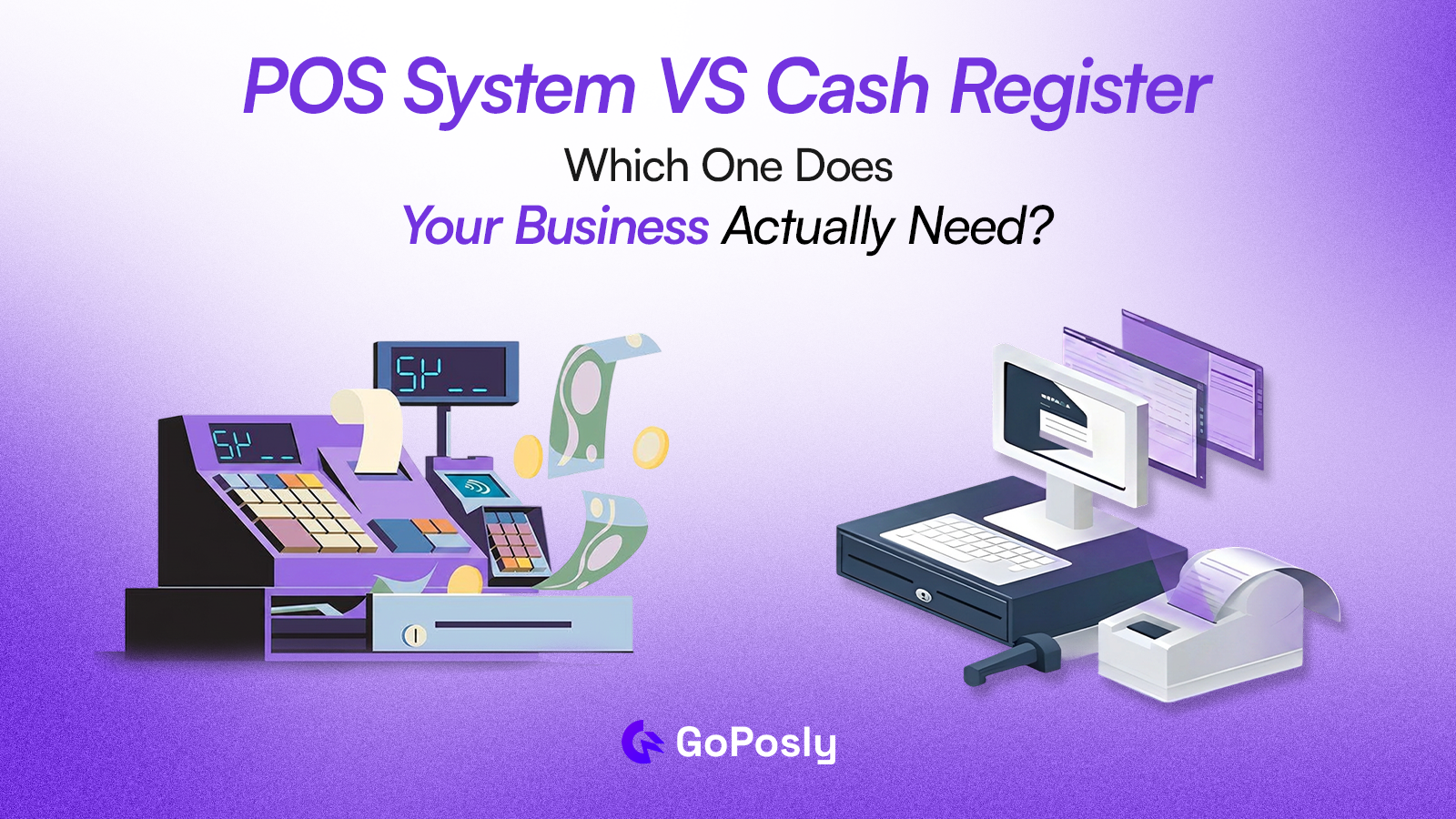
A cash register sometimes called an electronic cash register (ECR) is a standalone device that records sales, stores cash, and prints receipts. Higher-end versions add a barcode scanner and a customer-facing display, but the core job never changes: process one transaction at a time.
A cash register does not track inventory, generate business reports beyond a daily total, manage multiple staff accounts, connect to suppliers, or give you visibility into your business from anywhere other than the counter it sits on.
What Is a POS System?
A POS (Point of Sale) system is software usually cloud-based that runs your entire sales workflow, not just the checkout moment. It runs on a tablet, computer, or dedicated POS hardware, and connects the sale itself to the rest of your business operations.
A full POS system typically includes:
- Sales and billing with support for multiple payment methods
- Real-time inventory updates with every sale
- Customer records and purchase history
- Staff management with per-user, role-based permissions
- Daily, weekly, and monthly sales reports you can filter and export
- Integration with purchasing, suppliers, and accounts
Cash Register vs. POS System: Feature Comparison
| Feature | Cash Register | Basic POS | Full POS (GoPosly) |
| Process a sale & print receipt | Yes | Yes | Yes |
| Real-time inventory tracking | No | Limited | Yes |
| Sales reporting | Basic reports | Detailed, filterable reports | |
| Staff accounts & permissions | No | Sometimes | Yes, role-based |
| Customer records / purchase history | No | Sometimes | Yes |
| Multi-branch / multi-location support | No | No | Yes |
| Cloud access (view remotely) | No | Usually | Yes |
| Purchase order & supplier integration | No | Rarely | Yes |
| Offline mode | N/A (works without power grid issues) | Varies | Yes, in most modern platforms |
| Upfront hardware cost | $100–$1,100 | $0–$300 (often uses existing tablet) | $0–$300 (often uses existing tablet) |
| Ongoing monthly cost | $0 | $20–$60/month | $25–$90/month depending on plan |
Prices above are general market ranges for small-to-mid retail setups and will vary by provider and region.
How Much Does Each Option Actually Cost?
Cost is usually the real deciding factor, so it’s worth separating upfront cost from total cost of ownership.
Cash register costs
- Basic electronic cash registers: $100–$500, one-time
- High-end touchscreen registers with built-in inventory/reporting: $700–$1,100, one-time
- No monthly software fee but no cloud backup either. If the unit fails or loses power, unsaved data can be gone for good.
POS system costs
- Hardware: often $0 if you use a tablet or laptop you already own; $150–$400 for scanner, printer, and cash drawer add-ons
- Software subscription: roughly $25–$90/month depending on features, number of registers, and locations
- Hidden savings competitors rarely mention: the subscription cost is usually offset within weeks by time saved on manual stock counts, end-of-day reconciliation, and chasing inventory discrepancies.
When a Cash Register Still Makes Sense
A cash register is a reasonable choice in a narrow set of situations:
- A single location with a small product range under roughly 50 SKUs
- Cash-only sales where a daily total is genuinely all the reporting you need
- No plans to add staff, locations, or product lines
- A market stall, pop-up, or seasonal booth where simplicity and offline reliability matter most
Outside these situations, a cash register quietly starts costing more in lost information and manual work than it saves in software fees.
When a POS System Is the Right Choice
For most retail and wholesale businesses, a POS system is the better investment from day one. It’s worth considering seriously if:
- You carry more than 50 products and need to track stock levels accurately
- You have two or more staff members who need separate logins and permissions
- You want visibility into best-sellers, revenue trends, and slow-moving stock
- You plan to open a second location or already have more than one
- You order regularly from suppliers and want purchasing tied to your sales data
- You want to check how the business is doing from your phone, not just from behind the counter
A Real-World Example
A two-employee homeware shop selling around 300 SKUs switches from a cash register to a POS system in a single afternoon. In week one, the owner notices two products quietly running out of stock for days at a time invisible on the old daily-total tape.
In month one, a filtered sales report shows that 20% of products generate 70% of revenue, so the owner trims a slow-moving category and reorders the winners. The subscription costs less than the revenue recovered from the two products that would have otherwise sat empty on the shelf.
What About the Hardware?
A common misconception is that switching to a POS system requires expensive dedicated hardware. Most modern POS software runs on a standard tablet or laptop you already own. Add-ons like a barcode scanner, receipt printer, and cash drawer are inexpensive and connect over USB or Bluetooth some retailers keep their existing cash drawer and simply connect it to the new system.
How to Switch from a Cash Register to a POS System
Moving off a cash register is far less disruptive than most owners expect. A typical migration looks like this:
- Export or manually log your current product list and prices before switching, so nothing is re-entered twice
- Choose a POS system with a free trial and import your product catalog first most platforms support spreadsheet upload
- Run the POS system alongside the cash register for a single day to confirm totals match before retiring the old device
- Train staff on the new login and checkout flow most cashiers are productive within an hour on a modern POS interface
- Keep the cash register as a backup for the first week in case of connectivity issues, then retire it
What to Look for in a POS System for Retail or Wholesale
Not all POS systems are equal. For retail and wholesale businesses specifically, prioritize:
- Inventory management built in not just a sales tool with a basic count
- Purchase order support so you can restock from within the same system
- Multi-location capability, even if you only have one location today
- Offline capability for when your internet connection drops
- Role-based access so cashiers can’t see pricing or reports they shouldn’t
GoPosly is built specifically for retail and wholesale businesses that need more than a cash register but don’t want the overhead of an enterprise system. It includes a full POS, real-time inventory, purchase management, and multi-branch support in one platform. Compare plans and start free.
The Bottom Line
A cash register records a transaction. A POS system runs a business. If you’re serious about understanding your sales, controlling your inventory, and growing beyond a single counter, a POS system is the right call and the monthly cost difference is smaller than most business owners expect.
FAQ
Q: Is a POS system better than a cash register?
A: For most growing businesses, yes. A POS system does everything a cash register does process sales, print receipts, hold cash plus real-time inventory tracking, staff accounts, and sales reporting. A cash register only makes sense for very simple, single-location, cash-only operations with no plans to expand.
Q: What is the main difference between a cash register and a POS system?
A: A cash register only processes and records individual transactions. A POS system connects every transaction to the rest of the business updating inventory, tracking customer history, and generating reports in real time.
Q: How much does a POS system cost for a small business?
A: Most small business POS systems cost between $25 and $90 per month in software fees, often with little to no upfront hardware cost if you already own a tablet or laptop. Add-on hardware like a barcode scanner or receipt printer typically adds $150–$400 one-time.
Q: Can I use a cash register and a POS system together?
A: Yes, briefly. Many businesses run both side by side for a day or two during migration to confirm totals match before fully retiring the cash register. Long-term, running both isn’t necessary a POS system already includes cash drawer functionality.
Q: Do I need internet access to run a POS system?
A: Most cloud POS systems need internet access to sync data, but many modern platforms include an offline mode that keeps processing sales during an outage and syncs automatically once the connection returns.
Q: Is a POS system worth it for a very small retail store?
A: If you carry more than roughly 50 products, have any staff, or plan to grow, yes the time saved on manual stock counts and reconciliation usually outweighs the subscription cost within weeks. For a single-item cash-only stall, a basic cash register can still be enough.
Q: What happens to my sales data if my cash register breaks?
A: Data on a standalone cash register is typically stored locally, so a hardware failure or power loss can mean losing that data permanently. A cloud POS system stores data remotely, so it’s recoverable even if the device itself fails.
Q: How long does it take to switch from a cash register to a POS system?
A: Most small businesses complete the switch in a single afternoon, including product catalog setup. Staff are typically comfortable with the new checkout flow within an hour of training.