

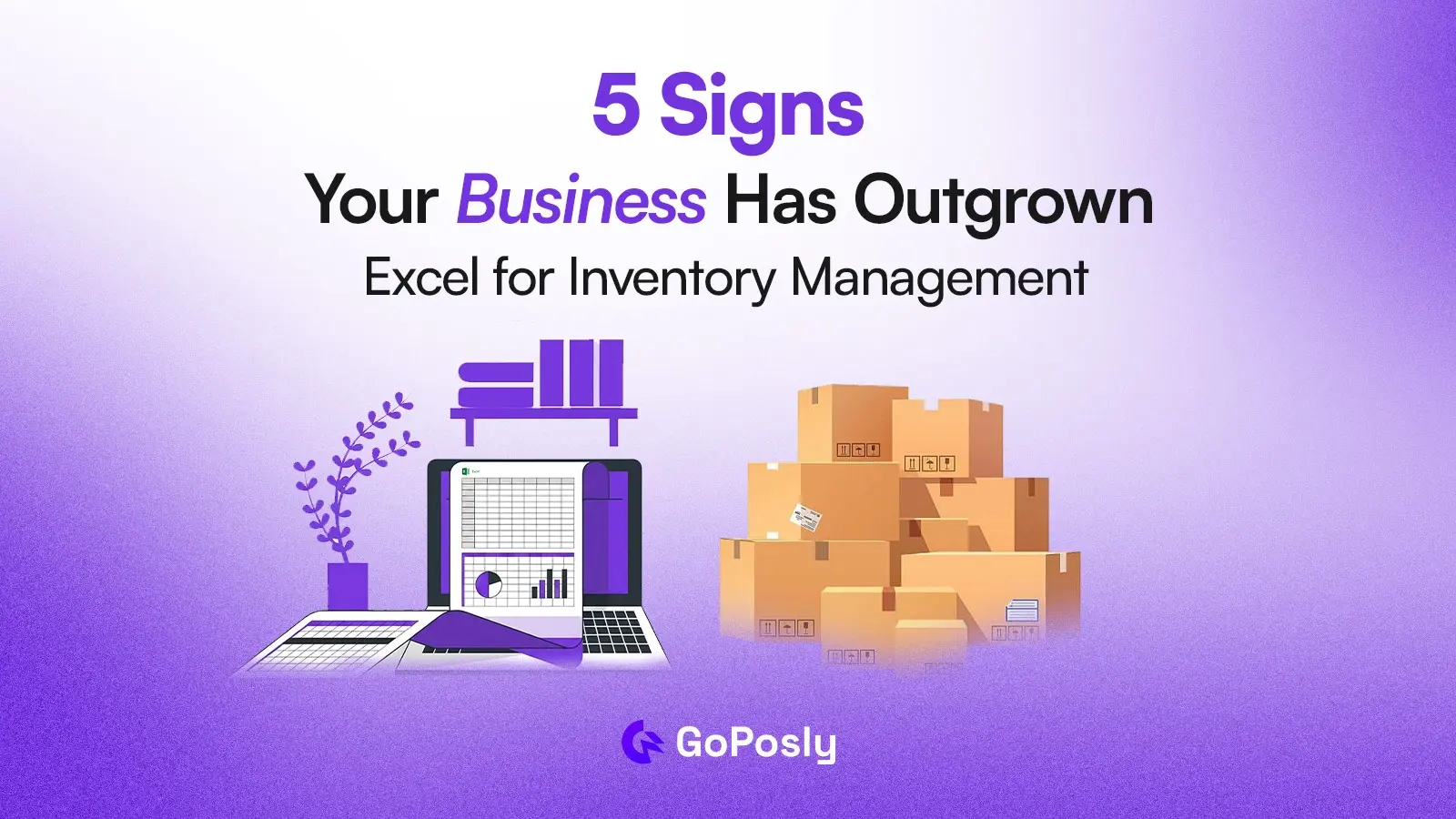
If your stock counts don’t match your shelves, your team spends hours correcting spreadsheet errors, or you can’t see what’s selling across locations in real time, your business has outgrown Excel for inventory management.
Excel is a powerful tool, but it was never designed as a dedicated inventory system.
As your product range and team grow, its limitations cause stockouts, lost sales, and operational chaos.
When Excel is Perfectly Fine
Before diving in, it’s worth being honest: Excel is a legitimate inventory tool for very small businesses. If you have fewer than 50 SKUs (Stock Keeping Unit), sell through a single channel, and one person manages everything, a well-structured spreadsheet template does the job reliably. The problem isn’t Excel itself it’s Excel at scale.
Here are 5 clear signs your business has outgrown Excel, it’s time to switch and what to do next.
1. Your Stock Counts Keep Mismatching Reality
You open your spreadsheet and it shows 50 units. You check the shelf there are 30. Where did those 20 goes? With Excel, every update is manual. A missed entry, a formula error, or two people editing the same file at once creates silent discrepancies that compound over time.
Research shows that over 88% of spreadsheets containing more than 150 rows contain at least one significant error. For inventory, that translates directly to overselling, stockouts, and frustrated customers.
A dedicated inventory system updates stock automatically at the point of sale, receipt, or adjustment no manual reconciliation needed.
2. Your Team Wastes Hours on Manual Data Entry
If updating your inventory spreadsheet is someone’s daily job, that’s a red flag. Manual data entry doesn’t just waste time it introduces errors at every step. Duplicate rows, wrong SKUs, overwritten cells, and copy-paste mistakes are all invisible until they cause a problem.
When your business is small, this overhead is manageable. When you’re processing dozens or hundreds of transactions daily, it becomes a full-time administrative burden that takes your team away from higher-value work.
Modern inventory software automates stock updates from purchases, sales, and returns turning hours of daily admin into seconds.
3. You Have No Real-time Visibility Across Locations
Excel is a snapshot, not a live dashboard. By the time you open the file, the data is already outdated. For businesses operating across multiple branches, warehouses, or sales channels, this is a critical gap.
You can’t know, at any given moment, whether Branch A has stock available to fulfil an order that came in at Branch B. You can’t track which location is selling faster and needs replenishment.
Real-time inventory management software gives every team member regardless of location an up-to-the-minute view of stock levels, movements, and availability across the whole business.
4. Reporting and Forecasting Take Too Long
Generating a sales report in Excel means pulling data from multiple sheets, building pivot tables, fixing broken formulas, and hoping nothing got moved. For inventory specifically, useful reports top-selling SKUs, slow-moving stock, reorder alerts, purchase history by supplier require significant manual effort to produce.
Worse, by the time the report is ready, the situation has already changed. Inventory software generates these reports instantly, often with visual dashboards that update in real time. That means faster decisions, better buying, and less cash tied up in dead stock.
5. Business Growth is Slowing Down Because of Your System
This is the most serious sign, and the easiest to miss. When your operations team is spending more time managing the spreadsheet than managing the business, the tool has become the bottleneck. You hesitate to add new product lines because they’ll complicate the file. You can’t onboard new staff quickly because the spreadsheet logic is tribal knowledge.
You’ve had to turn down or delay orders because you couldn’t confirm stock availability fast enough. A scalable inventory system grows with you adding SKUs, locations, users, and integrations without adding administrative complexity.
The Hidden Cost of Staying on Excel
Excel feels free, but the real cost is hidden in labour hours, stockout losses, and customer experience damage.
Consider: If your team spends 2 hours daily on inventory admin at an average wage, that’s over 500 hours per year roughly 3 months of full-time work. Add the cost of one major stockout or oversale, and the ROI on switching to inventory software typically pays off within the first quarter.
The question isn’t whether you can afford to switch. It’s whether you can afford to stay.
Move to a cloud-based inventory system like GoPosly.
What You Get:
- Real-time tracking
- Automated calculations
- Multi-branch support
- Easy reporting
What to Look for In Inventory Management Software
When evaluating a move away from Excel, look for: real-time stock tracking across all locations, automatic low-stock alerts and reorder triggers, purchase order management integrated with supplier records, POS integration so sales update inventory instantly, multi-user access with role-based permissions, reporting dashboards with no manual setup, and cloud access so your team can work from anywhere.
A system like GoPosly is built specifically for growing retail and wholesale businesses combining POS, inventory, purchase management, and multi-branch reporting in one platform.
How to Make The Switch (without the chaos)
Switching inventory systems doesn’t have to mean downtime or data loss. A practical migration follows three steps:
First, export your current Excel inventory into a clean CSV standardise column headers (SKU, product name, quantity, cost, location).
Second, run both systems in parallel for one week during a quiet trading period.
Third, fully cut over once the new system has been validated against physical stock counts.
Most cloud inventory platforms, including GoPosly, offer onboarding support and free trials so you can test the system with your real data before committing.
Final Thoughts
If you recognised your business in two or more of these signs, the question isn’t whether to upgrade it’s how soon. GoPosly is built for exactly this stage of growth: businesses that have outpaced their spreadsheets and need a system that keeps up.
Start a free 14-day trial no credit card required, setup in minutes.
FAQ
Q: At what point should a business stop using Excel for inventory management?
A: Most businesses should consider switching from Excel when they exceed 50–100 SKUs, manage stock across more than one location, have more than one person updating inventory, or begin experiencing regular stock discrepancies. If you’re spending more than an hour per day managing your spreadsheet, the hidden cost of staying on Excel typically outweighs the cost of purpose-built inventory software.
Q: What are the biggest problems with using Excel for inventory?
A: The main limitations of Excel for inventory management include: no real-time updates, high error rates, no multi-user conflict resolution, no automatic low-stock alerts, inability to integrate natively with POS systems, and poor scalability as product ranges and teams grow.
Q: Is Excel good enough for small business inventory management?
A: Yes, for very small businesses, typically those with fewer than 50 products, one location, and one person managing stock, Excel is a perfectly viable inventory tool. A well-structured Excel inventory template with SKUs, quantities, costs, and reorder points can serve a startup effectively. The problems arise when the business scales beyond what a spreadsheet can reliably handle.
Q: How much does inventory management software cost compared to Excel?
A: Excel itself costs nothing beyond an existing Microsoft 365 subscription. Cloud inventory management software typically ranges from $30–$300/month depending on features and team size.
However, when you factor in the labour hours saved on manual data entry, the reduction in stockout losses, and the elimination of costly inventory errors, most growing businesses find inventory software pays for itself within 1–3 months of adoption.
Q: Can I migrate my Excel inventory data to inventory software?
A: Yes. Most inventory management platforms accept CSV imports, which means you can export your existing Excel data and import it directly. The process typically takes less than an hour for a clean dataset.
Q: What features should inventory management software have that Excel doesn’t?
A: Key features that dedicated inventory software provides and Excel cannot replicate include: real-time stock updates, automatic low-stock alerts and reorder triggers, multi-user access with audit trails, POS integration, multi-location stock visibility, purchase order management, automated reporting dashboards, barcode scanning support, and demand forecasting based on historical sales data.
Q: How do stock mismatches happen in Excel?
A: Stock mismatches in Excel happen because every update requires a manual entry. If a sale isn’t recorded immediately, a formula is broken, a row is accidentally deleted, or two people edit the file simultaneously, the data diverges from reality.
Unlike inventory software which updates automatically at the point of sale or receipt. Excel has no mechanism to catch or prevent these discrepancies in real time.
Q: What is the best inventory management software for small and growing businesses?
A: The best inventory management software for growing businesses depends on your specific needs, but key options include GoPosly (ideal for retail and multi-branch operations with integrated POS), Zoho Inventory, inFlow, Cin7, and Fishbowl. When evaluating options, priorities real-time tracking, ease of migration from Excel, POS integration, and pricing that scales with your team size.